Build it from your drawings. Run it on live data. Ask it anything.
FlowSync turns the PDFs, GIS, and SCADA you already have into a live hydraulic and process model, and keeps it current. The study that took a week takes an afternoon.
Where FlowSync fitsYou buy WellOPS from WorkSync: the operating platform for production operations. FlowSync is the supporting engineering capability beside it, keeping hydraulic and process models live on the same DataHub that feeds the WellOPS ranked plan.
How it works
From a folder of drawings to a model that answers back.
Engineering shouldn’t be the step the whole plan waits on. The model builds itself from what you already have, and stays current while you work.
Drop the drawings in.
PDFs, P&IDs, GIS layers, datasheets, as-builts. Model Builder reads them the way an engineer would. No templates, no manual takeoffs.
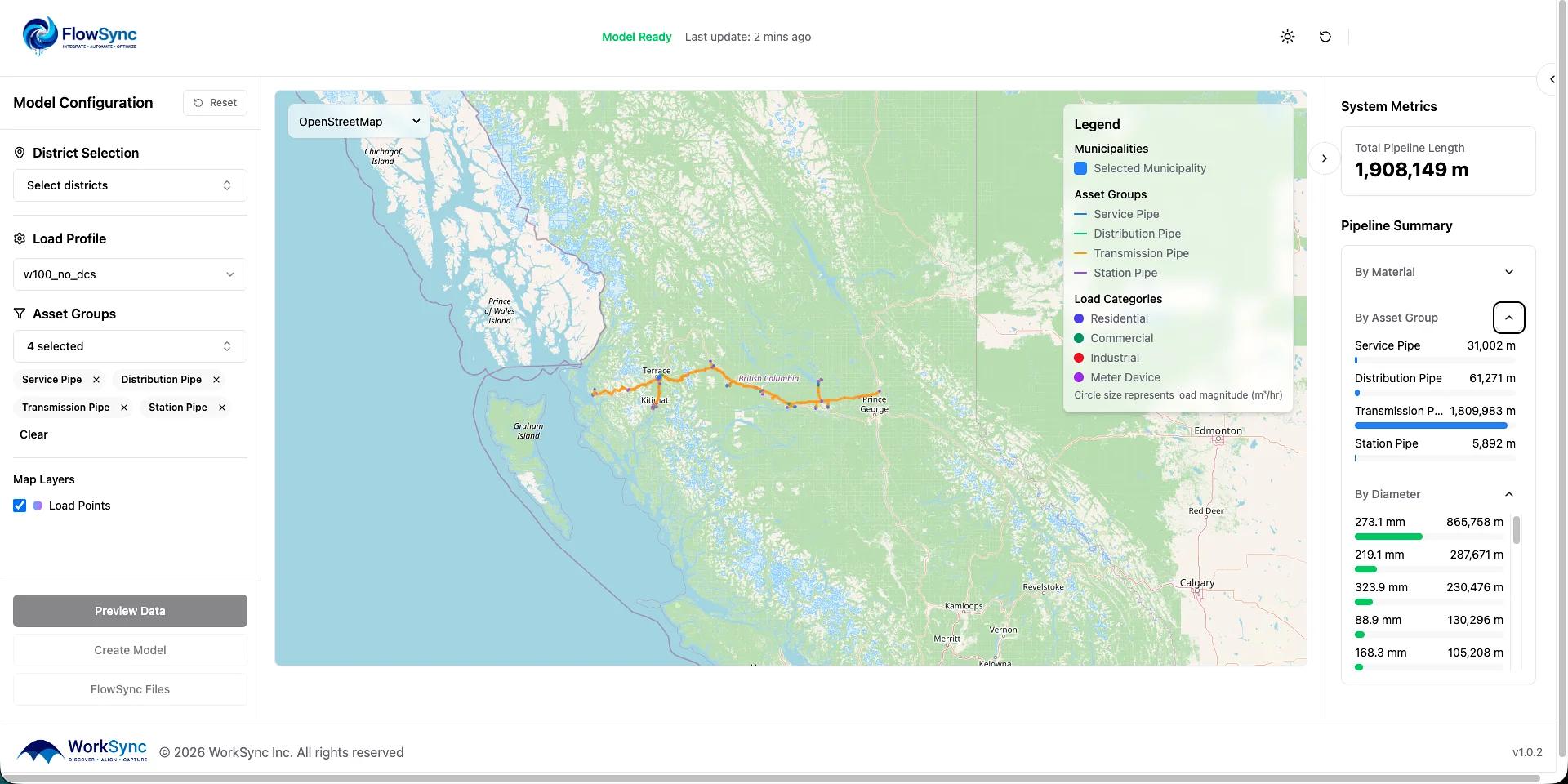
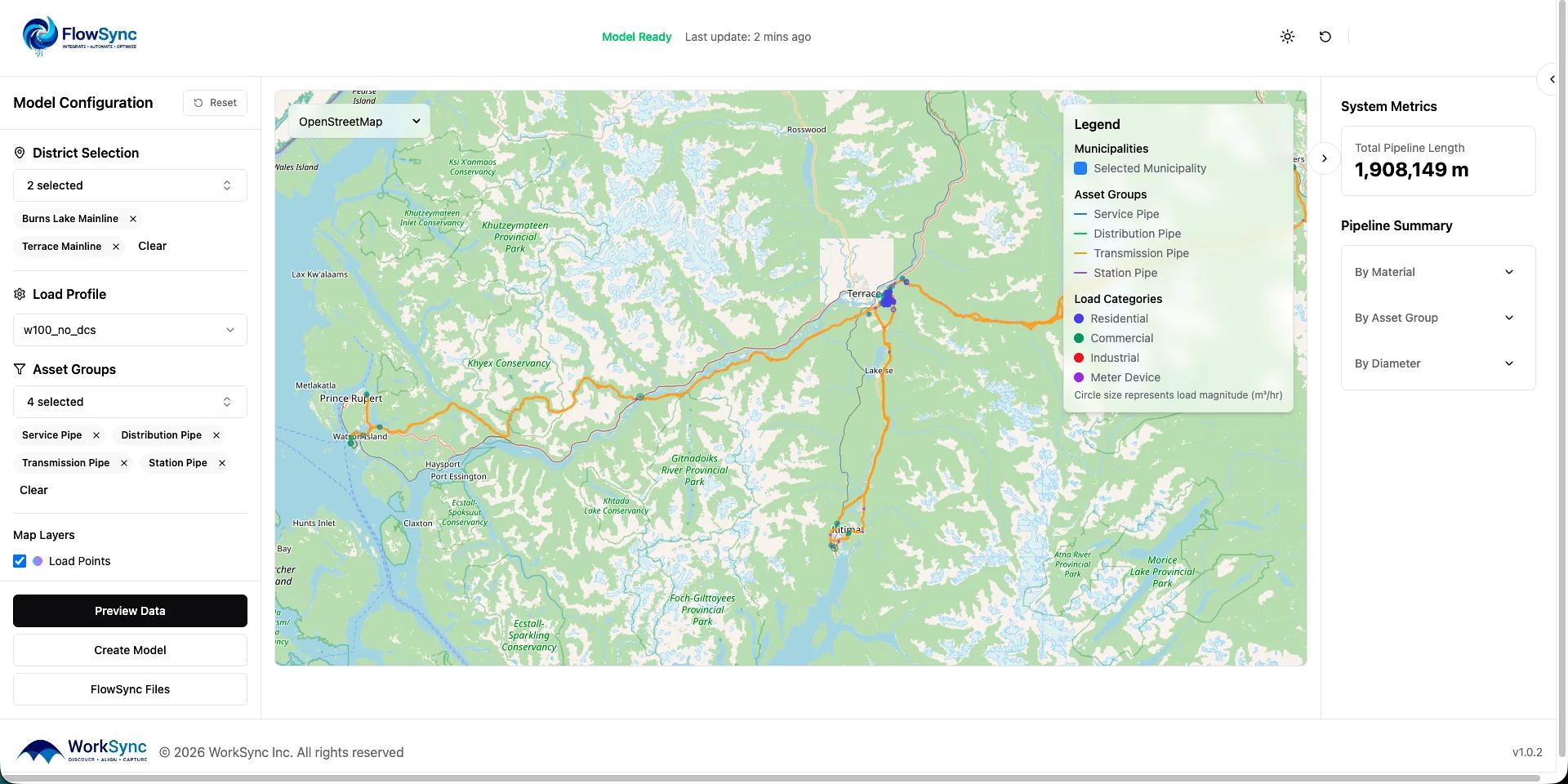
Watch the model assemble itself.
Equipment, connectivity, and specs populate automatically into one live network and facility model. The week of transcription disappears.
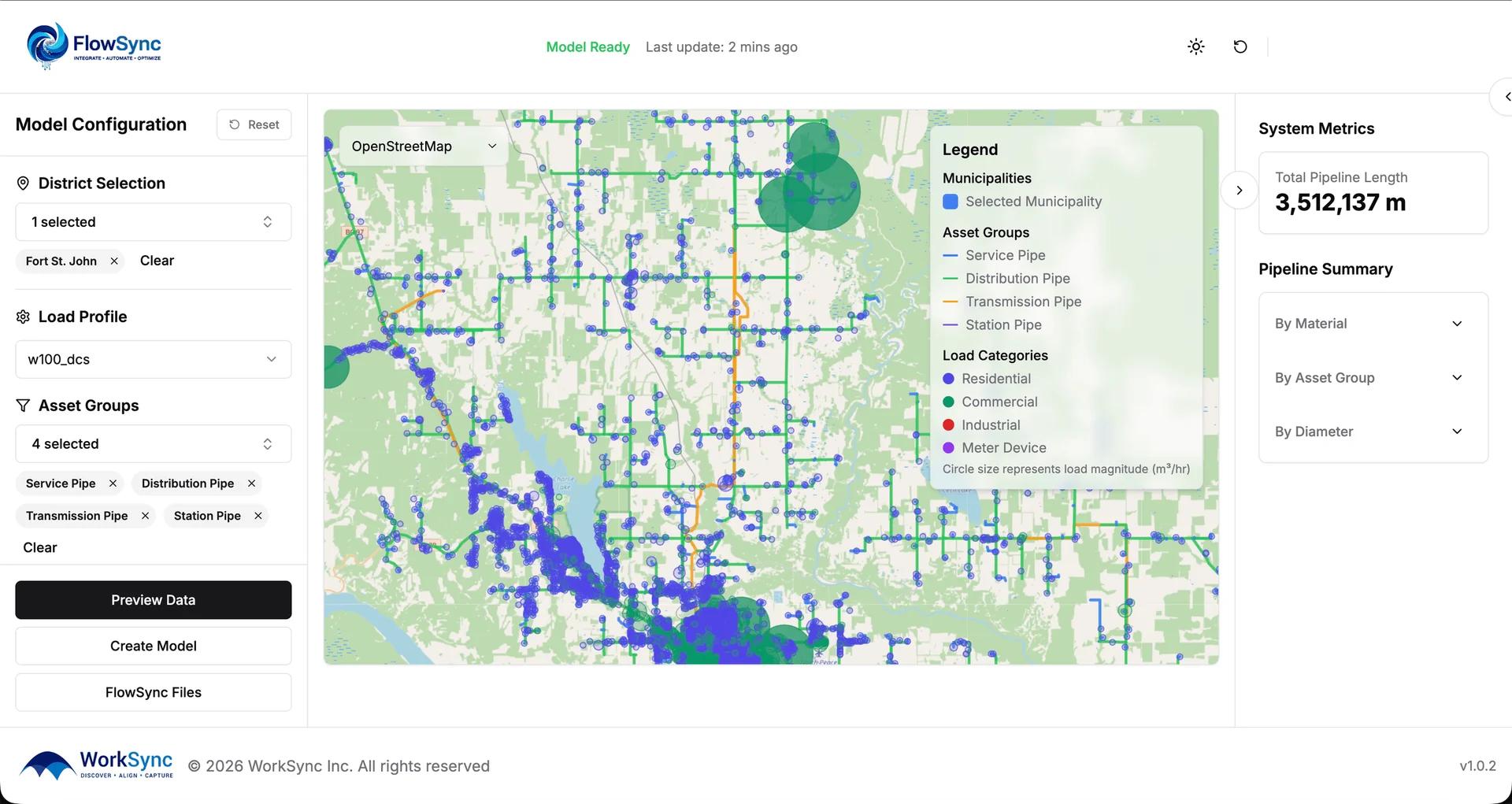
Run it on today’s data.
Flow Simulator and Process Simulator run against current SCADA, so the answer reflects the asset as it is now. Then Taylor explains it, cited to the drawing it came from.
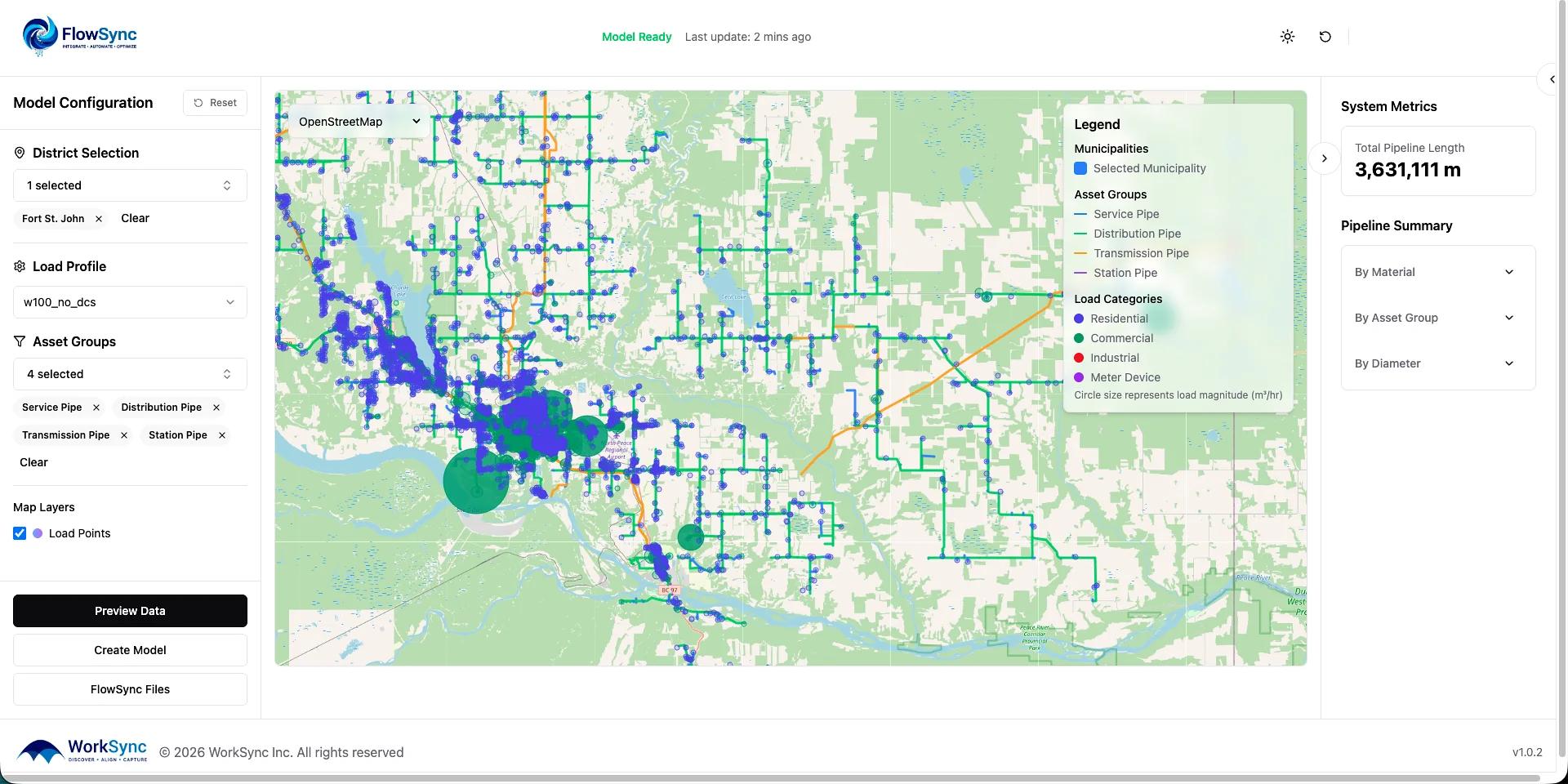
How it works
PDFs to live model. Engineer to answers.
Model Builder ingests the drawings, GIS, and SCADA you already have. Flow Simulator runs on the live unified model. Taylor answers questions against it, with cited sources on every answer.
Weeks of study work, in minutes.
The FlowSync difference
Don’t be the bottleneck.
Engineering keeps the whole plan moving when the model maintains itself. No exports, no re-keying, no drift between the drawing and the asset in the ground.
Never export from GIS again.
FlowSync reads your GIS directly. Topology, diameters, lengths, elevations, and connectivity flow in live. No shapefile exports, no manual handoffs, no version that is already stale by the time it lands.
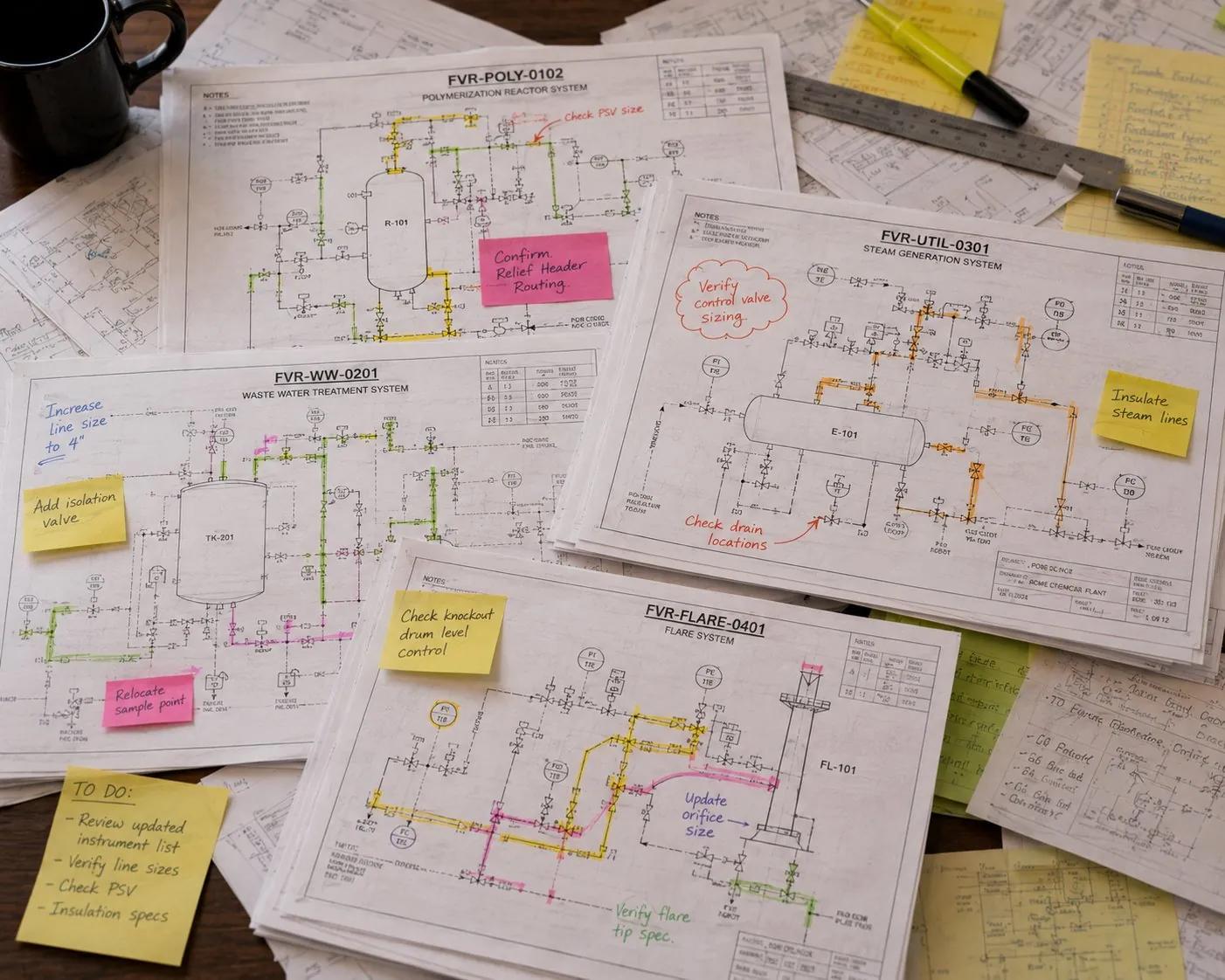
Upload your P&IDs and field photos.
Drop in drawings and photos straight from the field. Model Builder reads them the way an engineer would and pulls equipment, tags, line specs, and connectivity automatically.
Reconcile against as-builts and gold-standard drawings.
Every extracted model is checked against your as-builts and controlled drawings. Discrepancies get flagged, so the model matches what is actually in the ground, not what someone drew a decade ago.
Push changes back into source systems.
When the model corrects a tag, a spec, or a connection, the fix flows back to GIS and your systems of record. The loop closes, and the next person to open the drawing sees the truth.
The result
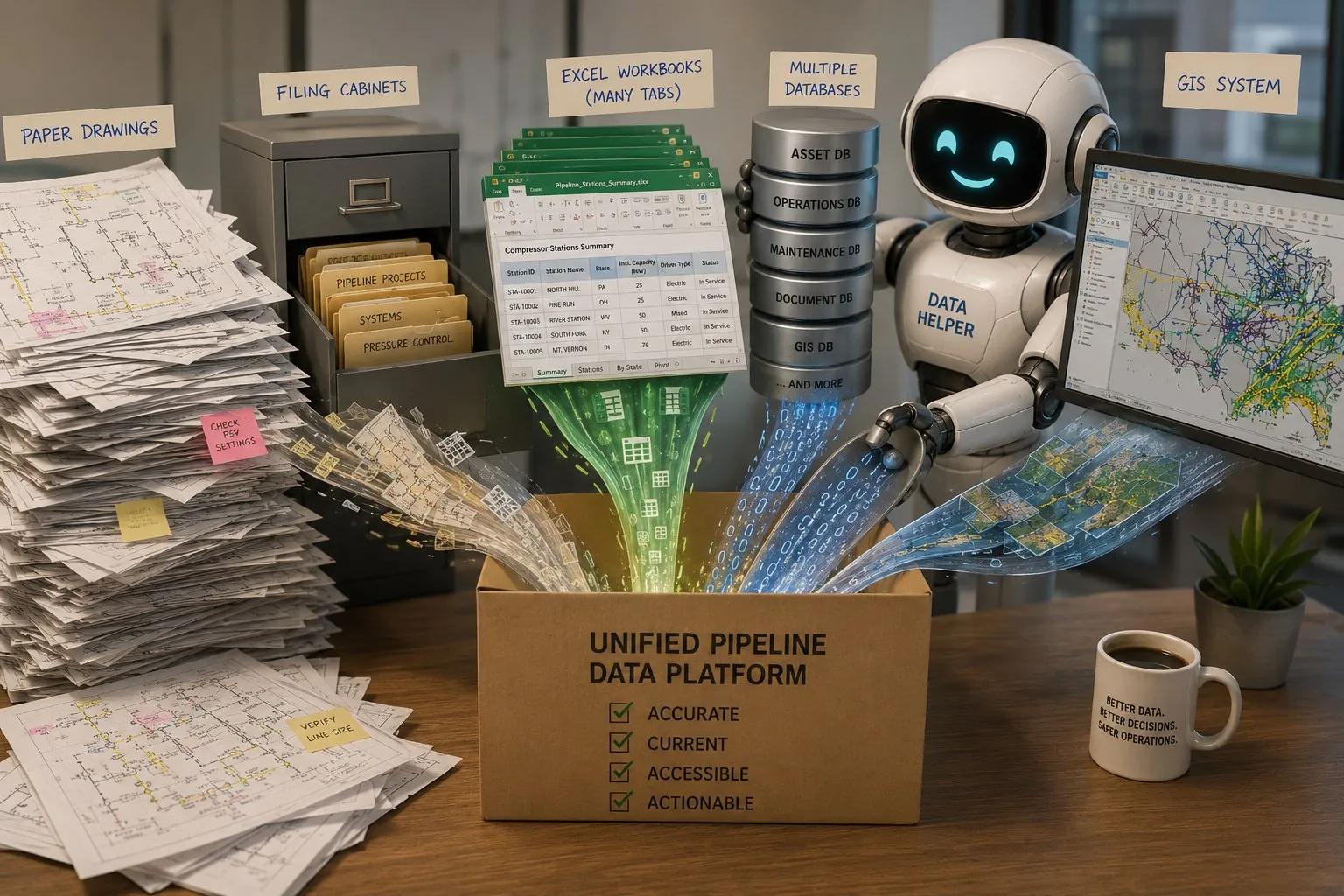
Every source you have, one model that stays true.
Paper drawings, filing cabinets, spreadsheets, scattered databases, and GIS. FlowSync pulls them into a single pipeline model that is accurate, current, accessible, and actionable.
WorkSync Research · Volume V · June 2026
Read how one operator did it, end to end.
A 15-page white paper on the anonymized deployment behind this page: hydraulic models built from P&IDs and alignment sheets, the Golden Record, version control for studies, and simulation-file management. Model builds went from weeks of manual effort to minutes of verification across 2,000+ miles of pipeline modeled (deployment account).
Read the white paper →The three modules
Build. Simulate. Design. On one stack.
Model Builder
Build the model from the documents you already have.
Extracts engineering models from PDFs, P&IDs, datasheets, vendor cutsheets, GIS layers, and as-builts, automatically. Reads the documents, identifies equipment, traces flowpaths, populates equipment specs, and produces a complete digital twin of your gathering system, plant, or distribution network. Maintains the model as new drawings, MOCs, and as-builts are added.
The manual model build used to take an engineer-week. FlowSync builds it in hours from the documents you already maintain, and keeps it synced to live data.
Interoperates with and feeds
Automates the model build: generates the network model from the GIS, P&IDs, and historian data you already maintain, so the work is repeatable and the knowledge stays in the system.
Flow Simulator
Steady-state and transient hydraulic simulation, on live data.
Hydraulic simulation for liquids and gas. Gathering systems, transmission lines, distribution networks. Steady-state for daily planning, transient for line pack, blowdowns, surge analysis, and emergency response. Runs against the WorkSync DataHub so simulations always see current operating conditions, not last quarter's snapshot.
Built to make the engineering tools you already trust go further. FlowSync keeps your Synergi Gas, SPS, and OLGA models fed with live, current data, so your engineers spend their hours on the analysis, not rebuilding the model.
Interoperates with and feeds
Works alongside the simulators you already run. FlowSync builds and continuously updates the network model, then feeds DNV Synergi Gas and Synergi Pipeline Simulator (SPS), SLB OLGA, Emerson PipelineStudio, and Aspen HYSYS the clean, current inputs they need. You keep your tools and your licenses; your team gets weeks of model-build time back.
Process Simulator
Live, drawing-driven process modeling for the questions you answer every week.
Process simulation for gas processing, dehydration, sweetening, compression, separation, and small-facility design. Sized for the everyday facility-design and troubleshooting work that makes up the bulk of operator engineering, where you want a live, drawing-driven answer in minutes. Runs against the same Model Builder output as Flow Simulator.
Built for the fast, drawing-driven, live-data questions you answer every week.
Interoperates with and feeds
Interoperates with and runs alongside Aspen HYSYS (AspenTech, an Emerson business), ProMax, and Honeywell UniSim. FlowSync handles fast, drawing-driven revamp and troubleshooting work, and feeds the same asset spec your full simulator uses.
The positioning, plainly stated
The only robust tool that automates hydraulic analysis across all fluid types, and integrates with the simulators you already run.
Other engineering tools are deep on one fluid type or one simulator vendor. Synergi Pipeline Simulator handles liquid and gas pipeline hydraulics, and Synergi Gas is the gas-network workhorse. HYSYS and UniSim model process; OLGA models multiphase flow. FlowSync automates the model-build step that sits in front of all of them, and keeps that model current, across every fluid class an upstream, midstream, or distribution operator actually runs. It integrates with the simulators those operators already own. Three claims, plainly stated.
01 · Across all fluid types
Gas, oil, water, multi-phase. Gathering, transmission, distribution.
Single-phase gas, single-phase liquid, multi-phase gathering, water injection systems, gas distribution networks, plant utilities, and process loops. Steady-state and transient. The same model-building, simulation, and maintenance loop runs across every fluid class. Most operators end up running two or three different simulator ecosystems because no one tool covers the breadth. FlowSync does.
02 · Integrates with existing simulators
Synergi, HYSYS, ProMax, OLGA, AFT, PipeSim, EPANET, WaterGEMS, MIKE+, fifteen-plus platforms.
Model Builder feeds the simulator your team already uses, automatically. Synergi for gas-pipeline integrity work, HYSYS or ProMax for greenfield process design, OLGA for deep-water transient, AFT Fathom for liquid-flow hydraulics, PipeSim for production system models. The deep work stays in the deep tool. FlowSync is not a replacement-only play. It coexists with sunk-cost simulator licenses by design.
03 · End-to-end automation, with QA
Build, simulate, design, calibrate, maintain. Five-agent stack with verification at every step.
Drawing classification, symbol recognition, topology extraction, data reconciliation, spec extraction. Five specialized agents stacked, with the engineer verifying instead of re-keying. The QA discipline (constraint enforcement, confidence-aware routing, drift detection, outcome feedback, audit trail, honest hand-off) runs across every step. Other tools automate a slice. FlowSync automates the loop.
The study that took weeks now runs in minutes. The 6-month-stale model stays current. The deep tool stays where it belongs. FlowSync handles the rest, across every fluid type.
Model Builder ingests. Flow Simulator runs it on live data. Taylor reads it.
One pipeline network. Three modules working on the same asset memory. PDFs, GIS layers, and SCADA flow in automatically. The hydraulic model runs against current operating conditions, not last quarter’s snapshot. Taylor knows every drawing, every equipment spec, and every code clause that touches the network.
Auto-extract pipe segments, diameters, lengths, elevations, connectivity. Fix dangles. Validate topology against engineering drawings.
Pull pumps, valves, compressors from datasheets and equipment registry. Curves, Cv values, capacity limits populated automatically.
Live pressures, flows, temperatures stream in. ML-driven calibration tunes friction factors against measured reality, continuously.
Taylor remembers what Model Builder extracted, what Flow Simulator calibrated, and every drawing that touches each piece of equipment. Ask her anything.

Meet Taylor · AI Engineer Agent
The senior engineer who never retires. Cited answers. In seconds.
Taylor is trained on the customer’s own engineering library. Every drawing, every MOC, every operating procedure. Plus the codes engineers actually use (API, ASME, NFPA, AGA, ISA, PHMSA). She answers questions about the facility, retrieves drawings, runs sensitivities on the model, generates calculation packages, drafts MOCs, summarizes incidents, writes operating procedures.
She cites her sources. Every answer points back to the drawing, datasheet, or code clause it came from. She works in chat, in the simulator, in the document viewer, and inline in MOC and procedure workflows.
Taylor replaces the “engineer who knows is in a meeting,” the lost half-day hunting for a drawing, and the senior engineer’s brain (the one who’s retiring next year).
Built to make your best engineers faster. Not to replace them.
Three ways to deploy
Engineering teams rarely rip-and-replace simulators overnight.
FlowSync runs alongside Synergi, HYSYS, ProMax, and OLGA, or consolidates them onto one stack when you’re ready. Your choice.
Headless
APIs for Model Builder, Flow Simulator, and Process Simulator. Embed model extraction and simulation into your existing engineering toolchain.
Best for Customers with mature internal tooling who want our extraction and simulation engine, not our UI.
Wraps existing simulators
Run alongside Synergi, HYSYS, ProMax, and OLGA. Model Builder feeds them. Taylor interprets their output.
Best for Customers with sunk cost in legacy simulators who want to extend, not replace.
Full platform
Complete FlowSync suite. Model, simulate, design, troubleshoot, with Taylor embedded. Built for gathering systems, oil & gas facilities, and natural gas utility design.
Best for Customers ready to consolidate engineering tooling onto one stack.
Where FlowSync works
See FlowSync in your stack and your industry.
By industry
FlowSync for your network
- Gas Utilities Distribution→
DIMP, 811, PHMSA on a live hydraulic model
- Midstream Gathering & Transmission→
Hydraulic models on live SCADA data
- Gas Utilities→
PHMSA, distribution modeling, dispatch
- Compressor Predictive Maintenance→
Failure signatures on live telemetry
- Midstream models guide→
Chapter 7 of the Ultimate Guide
- Gas utilities guide→
Chapter 8 of the Ultimate Guide
Compare to your stack
Already running something else?
How it works under the hood
The engineering automation that makes it real
- Data Quality Agents→
Cleans + reconciles before model build
- Anomaly Detection→
Flags model drift between GIS and reality
- Integration catalog→
P2, Quorum, Maximo, AVEVA PI System, AVEVA, Cygnet
- The $1M model: gas utility planning team burn rate→
$15K per study, 50-70 a year, the loaded-cost math
- White paper: Automated Hydraulic Model Builds→
One operator, weeks to minutes, 2,000+ miles modeled
- Meet Taylor (FlowSync’s embedded AI)→
The engineering teammate inside the platform
Frequently asked
What VPs of Engineering ask in the first 30 days.
Does FlowSync replace your existing simulators?
Only if you want it to. Most operators run FlowSync alongside the simulator their team already uses: Model Builder feeds Synergi, HYSYS, or ProMax with auto-built models from your PDFs and GIS. Flow Simulator runs the daily-driver studies. Process Simulator handles the fast, everyday revamp and troubleshooting work. The deep studies stay in HYSYS or ProMax, fed by the same auto-built model.
How does Model Builder actually read our PDFs?
Document AI trained on engineering libraries. P&IDs, datasheets, GIS layers, vendor cutsheets, as-builts. It identifies equipment, traces flowpaths, populates equipment specs, and produces a complete digital twin. Maintains the model as new drawings, MOCs, and as-builts come in. The model never goes six months stale because the underlying source documents are always being re-read.
Is Taylor a chatbot or something more?
Taylor is the AI engineer agent inside FlowSync. She reads every drawing in your project folder, every MOC from the last decade, every API/ASME/AGA code your team uses. She drafts MOC documents, runs sensitivity studies on the live model, retrieves cited answers in the simulator, and explains why a previous engineer made the call they did. Cited sources on every answer. She is the AI inside the platform, not a wrapper on top.
What if our metric doesn't move in 4 weeks?
License fees only when the metrics move. Pick the operating metric that matters (study turnaround, model freshness, engineer-hours per study, percent of meters under live coverage). We agree the baseline in week zero and measure at week four. If the number moves, we keep going. If it does not, you walk away, no kill fee.
Ready to take engineering off the bottleneck?
Pick the metric that matters. We’ll put Taylor on your project folder for four weeks. License fees only when the metrics move.